
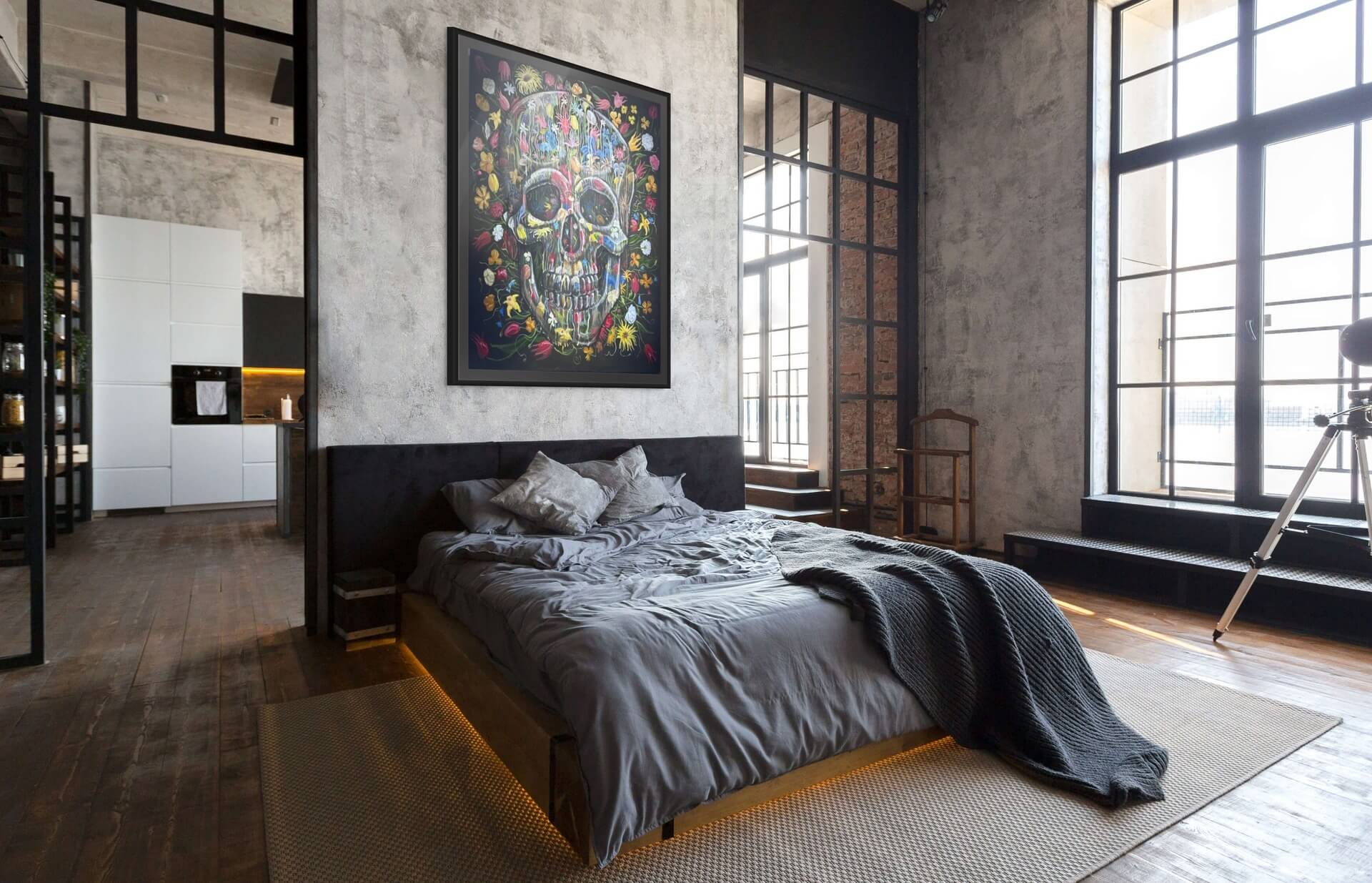
This page is a live demonstration of the typography available on an ArtXchange blog article. It shows how editorial content behaves across desktop and mobile layouts.
Use these examples as a reference when composing future stories in the PrestaShop editor.
1. Body Copy and Inline Styles
This is a standard paragraph designed for comfortable long-form reading. It can contain strong emphasis, italic emphasis, bold text, italic text, underlined text, struck-through text, and a marked phrase.
Links appear naturally inside copy, such as the ArtXchange collection. Semantic details also work: HTML, H2O, x2, small print, deleted wording, and inserted wording.
2. Heading Hierarchy
Display heading using the H1 style
The article title above is the semantic page H1. The sample below demonstrates the remaining heading levels available inside editorial content.
Heading Level 3 - Supporting Section
Level-three headings divide a major subject into clear supporting sections.
Heading Level 4 - Detailed Topic
Level-four headings are useful for more specific ideas within a section.
Heading Level 5 - Minor Topic
Level-five headings keep dense reference material easy to scan.
Heading Level 6 - Smallest Heading
The smallest heading remains distinct from ordinary paragraph text.
3. Lists and Definitions
Unordered List
- Original paintings and works on paper
- Sculpture and three-dimensional objects
- Stone, bronze, and ceramic
- Mixed-media constructions
- Photography and limited editions
Ordered List
- Define the purpose of the collection.
- Research the artist and exhibition history.
- Review dimensions, materials, and condition.
- Confirm delivery and installation details.
Definition List
- Provenance
- The documented history of ownership for an artwork.
- Edition
- A defined number of works produced from the same original process.
- Medium
- The materials and techniques used to create the work.
4. Editorial Highlight
A highlight draws attention to practical information without interrupting the rhythm of the article.
Before purchasing, confirm:
- Medium and materials
- Dimensions and scale
- Whether the work is unique or part of an edition
- Certificate of authenticity and provenance
5. Blockquote
Use a blockquote for a statement that benefits from extra visual weight and breathing room.
Art gives a room its emotional centre; every other element begins to respond to it.
- Editorial typography demonstration
6. Code and Keyboard Text
Inline technical text supports font-size: 14px;, keyboard instructions such as Ctrl + S, and sample output like Article saved successfully.
.editorial-article {
  color: #323232;
  line-height: 1.5;
}
7. Responsive Table
| Attribute | Example | Why it matters |
|---|---|---|
| Medium | Oil on linen | Explains materials and care requirements |
| Dimensions | 120 x 90 cm | Helps evaluate scale in the intended space |
| Edition | Unique work | Clarifies rarity and availability |
8. Text Alignment Helpers
Left-aligned text is the default and works best for most editorial paragraphs.
Centred text can introduce a short statement or transition.
Right-aligned text can support captions or compact notes.
Justified text demonstrates the available alignment helper for layouts that require an even text edge. It is most effective when the line length is wide enough to avoid irregular spacing.
9. Closing Notes
All examples on this page use semantic HTML that can be entered through the PrestaShop article editor. The styles are scoped to the detailed blog article page, so they do not alter typography elsewhere in the shop.
ArtXchangeContemporary art for collectors and design professionals